

Get Around the “Sorry, This Item Can’t Be Shipped to Your Selected Address” Amazon Annoying Message
If you love purchasing items from Amazon, you may have experienced some common issues such as a package being late, lost, or not delivered. What if you come across “sorry, this item can’t be shipped to your selected address” on Amazon? Does that mean you need to cancel your order and forget about the item you want?
This article will show you ways to deal with this problem. DoNotPay provides an efficient refund request tool to use in case you have experienced some of the above-listed delivery issues.
“Sorry, This Item Can’t Be Shipped to Your Selected Address”—Why Not?
If you have seen this message while purchasing an item on Amazon, rest assured you are not the only one. The question is—why not when there was nothing wrong with your address in the past?
Like any other e-commerce platform, Amazon needs to update its rules and regulations for different market-related reasons. Here are some that could apply to your case:
| Reasons | Additional Info |
| You have selected a P.O. box or Amazon Hub locker as the delivery address | For particular products and sellers, you need to use a street address to receive a package |
| Your state’s law prohibits the purchase of that type of product | As every state has different rules on what can be shipped via mail, you should check whether the item you would like to purchase complies with your state’s laws |
| Area restrictions | Amazon cannot ship specific items to all geographical locations due to particular restrictions |
| A system problem | Your valid address could have been rejected because:
|
| Amazon courier partners have limitations | Amazon courier partners might:
|
Amazon Item Cannot Be Shipped to Your Selected Address—What To Do
If you see “Sorry, this item can’t be shipped to your selected address” at Amazon checkout, you do not have to give up. What you can do is:
- Enter a new address
- Choose a local post office or an Amazon Hub for delivery
Use Another Delivery Address
To enter a new delivery address, you should:
- Go to My account
- Choose Settings
- Select Add new address in the Address book section
- Enter another address—you could try your business or friend’s address
When you complete these steps, you should go back to your purchase and choose the new address at checkout.
Opt for a Different Pickup Location
Another option is to pick:
- An Amazon Hub
- A nearby post office
If this sounds good, here is how to make it happen:
- Go to your Amazon account
- Select Manage Address Book
- Choose Search for a new Amazon Pickup Location
- Use one of the offered search options, e.g., enter your address or ZIP code
- Hit the Search button
- Select a convenient place
- Click on the Select button
You should be able to enter the chosen location under the Add To My Addresses section of your account.
Amazon Undeliverable Packages
If you have not received your Amazon package, it is probably because:
- Your parcel might arrive later during the day
- You entered an incorrect or incomplete address
- The package got:
- Someone present at the listed address refused the delivery
- A courier company:
- Does not deliver to your location
- Has tried to deliver the package but failed
Regardless of the reason, you should file a complaint as you could easily be entitled to a refund.
DoNotPay’s Delivery Refund Tool Is Super Cool!
You do not need to go through complicated and time-consuming refund request procedures alone. Direct your time and energy to more sensible activities, and do not waste them on puzzling forms or phone calls to Amazon or courier customer service.
Instead, use our AI-powered app to handle your delivery problems swiftly!
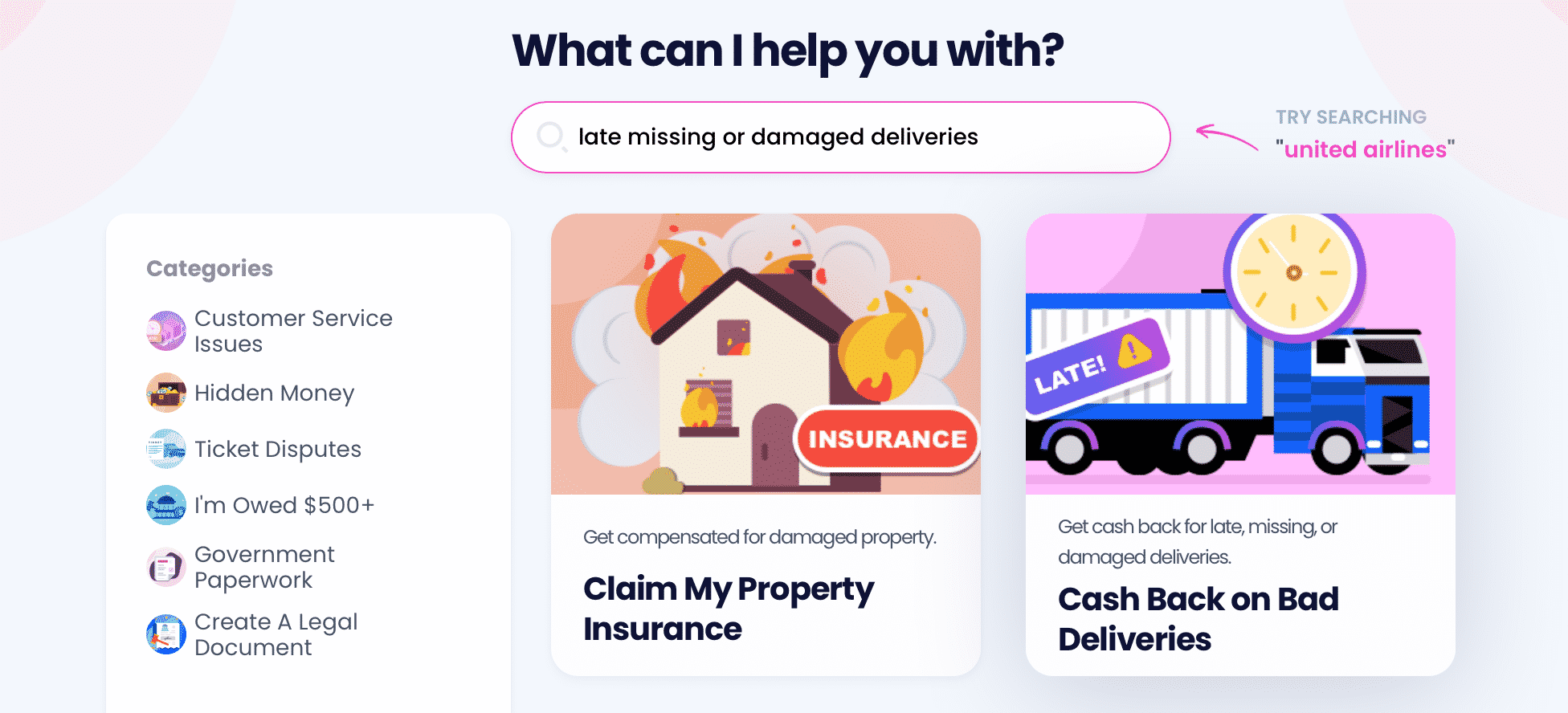
To submit a delivery refund request to a courier company, and follow these simple steps:
- Choose our Late Delivery Refund feature
- Select a courier, for instance, UPS, DHL, USPS, or FedEx
- Provide shipment details
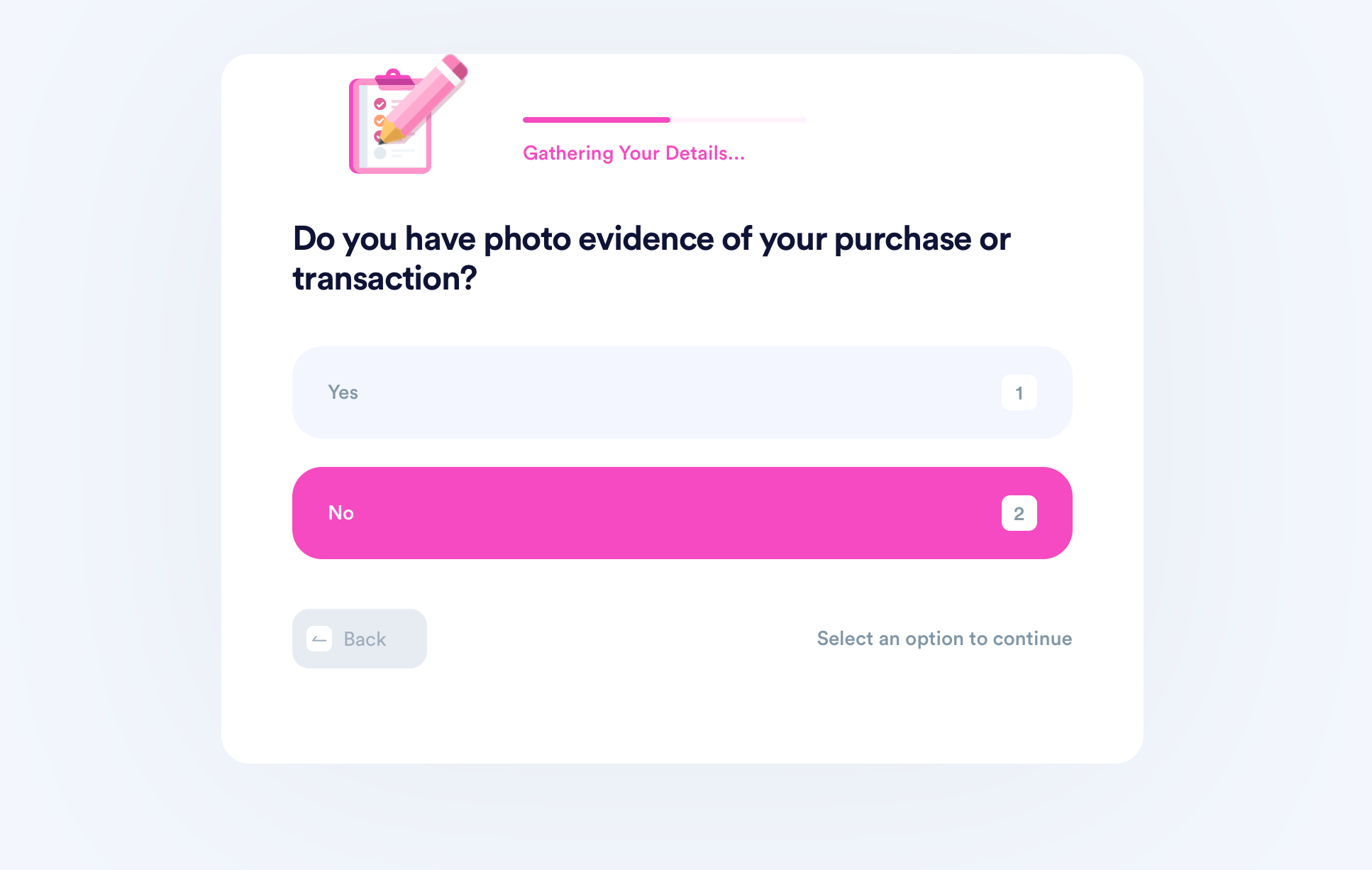
It will not take more than a few minutes to complete the questionnaire, and DoNotPay will send your claim to the chosen courier in a flash!
Explore Our Extensive Knowledge Base
As DoNotPay provides valuable advice on different retail and shipping companies, you might find the following helpful:
- What you should do if Amazon sent you the wrong product
- How to behave if you:
- Do not know where your Amazon package is
- Have not received your eBay order, or it got lost
- What to do if your UPS, USPS, or FedEx delivery is late
- What time you should expect your Amazon order to be delivered
and browse through our guides to find answers to your questions and solutions to your problems.
Check Out the Scope of DoNotPay's Services
DoNotPay is capable of way more than handling late or missed deliveries. We are experts in securing refunds and chargebacks, gift card cash backs, airline compensation, as well as making returns on unsatisfactory purchases. We have a way of dealing with hard-to-reach customer services and hard-to-get-out-of mailing lists.
If you need to deal with important paperwork, our app can assist you every step of the way. We can draft documents for you and show you how to write them yourself; we can connect you with a remote notary who can notarize your documents 24/7; we can also help you send the docs to any recipient using our convenient online fax functionality!
For a full scope of our services, check out our learning center.
Stay Safe at Home and Enlist DoNotPay To Do Your Bidding
It's not easy to keep tabs on your obligations during these trying times ridden with uncertainty. That is why DoNotPay has developed numerous features to help you cross tasks off your list while staying safely in your home. Here's what else you can get done from the comfort of your armchair through our app:
- Apply for property tax exemptions virtually
- Submit crime victims compensation requests
- Get extensions on your bills
- Get free trials for streaming, gaming, or other services to pass the time indoors
- Request college fee waivers
- Connect with a loved one in jail
- Stay safe from online stalkers and harassers
- Mail letters
- Complain about noisy neighbors
 AI that fights for you