

The Boost Mobile Return Policy: All You Need To Know
If you end up with an unsatisfying purchase from Boost Mobile, you may want to know how to return the item or exchange it as soon as possible, especially since Boost Mobile has a short time window for returns. Find out all you need to know about the Boost Mobile return policy in this article and !
The Boost Mobile Return Policy Explained in Brief
You can return devices purchased from the Boost Mobile website or a Boost Mobile retailer within one week of purchase. If you return the item past the specified time window, Boost Mobile will reject your request and send the product back to your address at your expense.
The product you wish to return must be in mint condition and include all of the components that came with it, such as:
- Activation card
- SIM card
- Charger
- Accessories
- Battery
- Documentation (activation manual, guides, leaflets, etc.)
- Wireless device (mobile broadband, handset, etc.)
You must also include the original packaging and proof of purchase when returning the item.
If your return is approved, Boost Mobile will refund the product price minus additional charges for wireless service. The refund may take up to eight weeks to appear in your credit card account.
Boost Mobile doesn’t offer direct product exchanges for items bought online. If an exchange is necessary, you must return the products for a refund first and place a new order.
Some products may be subject to their individual manufacturers’ warranties.
How To Return Boost Mobile Products
You can return unwanted Boost Mobile items:
- Via mail (for online orders)
- In person (for in-store purchases)
How To Return Online Boost Mobile Orders
If you want to return Boost Mobile items you ordered online, you can follow these steps:
- Call 1-833-502-6678 FREE to receive a valid Return Authorization Number
- Place the item you wish to return in its original box
- Write the authorization number on the product’s packing slip and on all sides of the package
- Ship the parcel to the following address: Ingram Micro Inc / Boost Mobile, 1451 AllPoints Court, Suite 2, Plainfield, IN 46168
Boost Mobile recommends using a prepaid shipping service with a tracking system for convenient delivery. The provided address is exclusively for product returns.
Packages with insufficient postage are rejected, and customers are responsible for mishandled or lost parcels.
How To Return In-Store Boost Mobile Purchases
If you want to return Boost Mobile items you purchased in store, you can follow these steps:
- Pack the goods you want to return in their original container
- Visit the retailer you purchase the product from
- Speak to the clerk and show your receipt to return the goods
The Boost Mobile Return Policy Made Simple—Let DoNotPay Handle Your Return Request
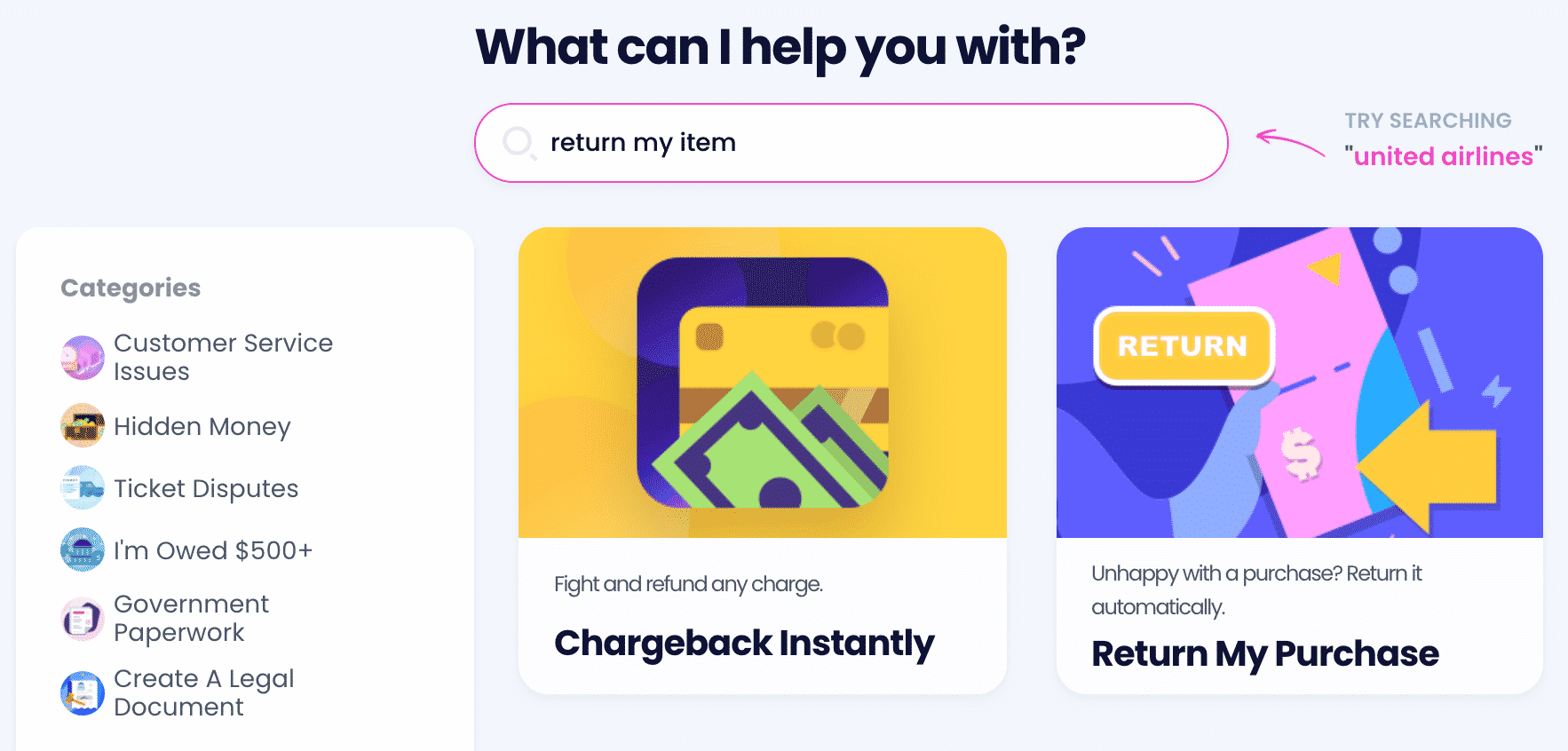
Since the timeframe of the Boost Mobile return policy is super short, you should file a return request as early as possible. Don’t want to waste time returning the item on your own? Rely on DoNotPay and send back your item quickly and effortlessly. Here’s what you need to do:
- Select the Return My Purchase product
- Tell us the details of your purchase and submit the form
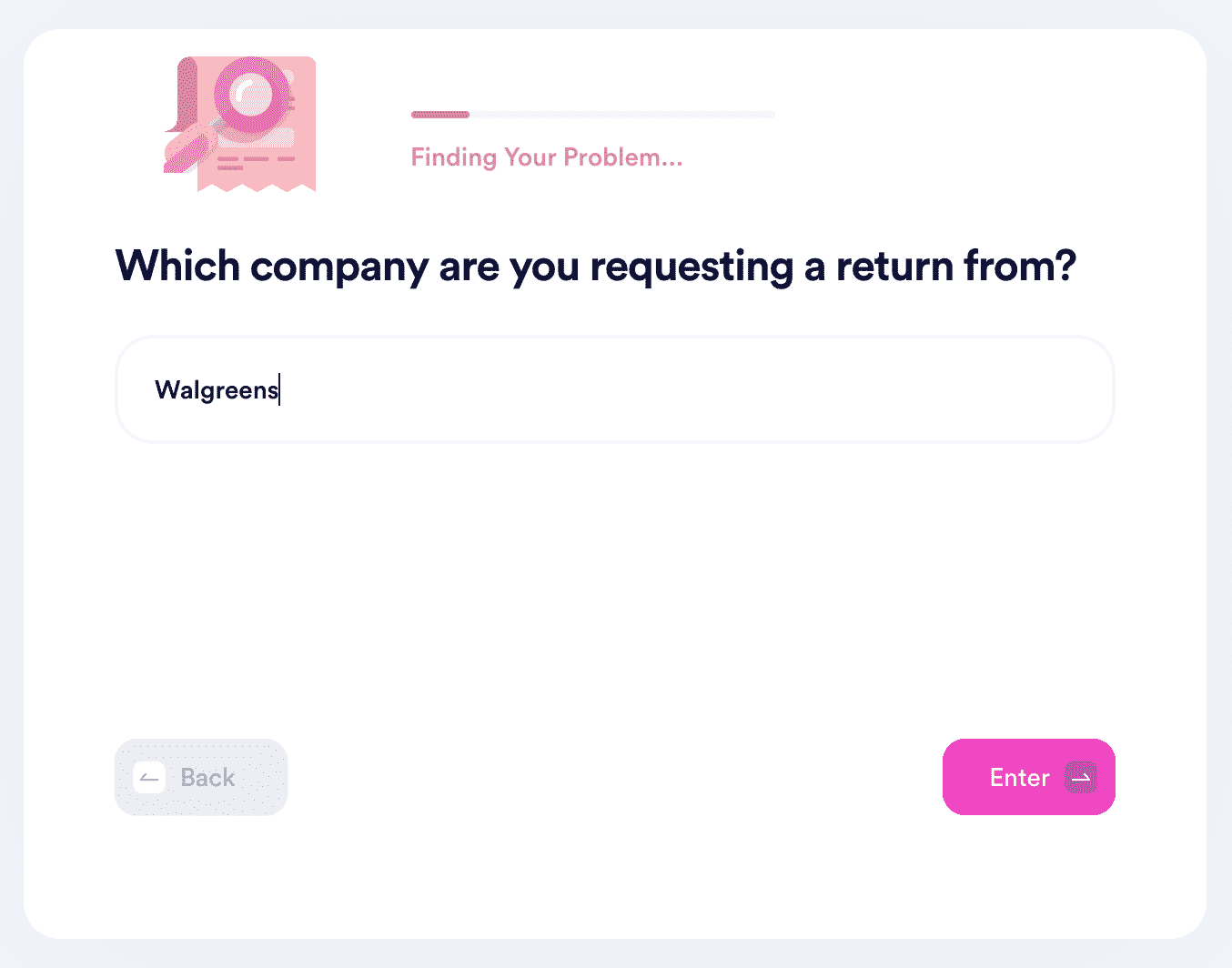
DoNotPay will:
- Draft a personalized return request letter
- Include a deadline that the seller must comply with
- Forward the letter to the seller in a matter of minutes
Not only will having a written request mitigate the risk of potential disputes, but it will also summarize your reason for returning a product and provide the solution you expect.
DoNotPay Can Help You File Return Requests for Other Products Too!
Our app helps you send return request letters to many other retailers, including:
| Costco | Dell | Walmart | Target |
|---|---|---|---|
| Sephora | Macy’s | Tarte | Kohl’s |
| Nordstrom | H&M | eBay | REVOLVE |
| SHEIN | REI | Wayfair | Ulta |
Item Returns and Other Annoying Tasks Take but a Minute With DoNotPay
Looking into resolving other tedious bureaucratic tasks with the help of our app? Check out a fraction of our product range that can assist you with:
- Gathering paperwork for small claims court cases
- Submitting a complaint to your HR department
- Appealing low college financial aid offers
- Generating
- Submitting FOIA requests
- Entering sweepstakes
- Preventing copyright infringement
- Sending any document via online fax
- Drawing up power of attorney documents
- Protecting yourself from sex offenders near you
- Mailing anything without wasting time in long lines
Don’t Stop There—See How We Can Help You Even Further
You can count on our app’s assistance if you need to cancel any subscription, demand a refund from a company or airline, get help with utility bills, reduce your property taxes, get a tourist visa, appeal banned accounts, contact embassies, or get cash back on gift cards.
Think you have some missing money? Claim it before the government does it in your stead! Need help preparing for a government test? Skim through our guides! Want to schedule a DMV appointment in a snap? We’ll do it for you! Have any other obstacles? We’ll get rid of them in the blink of an eye.
 AI that fights for you