

DoNotPay Fills You In on the San Diego Sick Leave Law
If you want to avoid being sick at work, you must understand your state and city laws so you can get familiar with your rights as an employee. Our article will show you the ins and outs of the San Diego sick leave law and teach you how to get a leave request letter the easy way!
San Diego Paid Sick Leave 101
Since no one should be forced to work when sick, the Sick Leave and Minimum Wage Ordinance was brought in San Diego, California. It covers workers who are entitled to minimum wage under California law and who work for at least two hours in San Diego.
How Many Sick Days Can You Accrue Under the San Diego Law?
You accrue one hour of paid sick time for every 30 hours you work, and you can’t use more than 40 hours in a single calendar year. The highest number of hours you can accrue is capped at 80 per year. New employees begin accruing paid sick leave three months after they start working.
What Can the Paid Sick Leave Be Used for in San Diego?
You can use your sick days if you are:
- Mentally or physically unable to perform your duties at work due to illness, injury, or a medical condition
- Required to obtain a professional diagnosis or treatment for a medical condition
- Pregnant or have to undergo a physical examination
- Required to provide care or assistance to a family member (e.g., child, parent, spouse) who is suffering from an injury, illness, or any other medical condition
- A victim of domestic violence, sexual assault, or stalking
- Working in a company that was closed due to an order of a public official as a COVID-19 safety measure
How To Call in Sick in San Diego
When you accumulate paid sick leave and want to use it, you must request time off from your employer seven days in advance or as soon as possible if the leave is unforeseeable. Your boss needs to know that you’re not coming to work so they have time to organize the workflow and delegate your work to someone else if necessary.
There are a few different methods you can use to notify your boss about taking sick leave. For more details, check out the table below:
| Method | Explanation |
|---|---|
| Via phone | Calling your boss to tell them you’re not coming to work because you’re ill is a viable option, but it’s not the best solution because it’s not formal enough |
| Via email | If you want to write an email to inform your boss of your sick leave, you must include:
Make sure the email is professional and concise |
If you don’t feel like composing a formal email on your own, you can rely on DoNotPay. With our help, you will get a personalized leave request letter that we can:
|
How To Use DoNotPay and Get a Leave Request Letter in a Jiffy
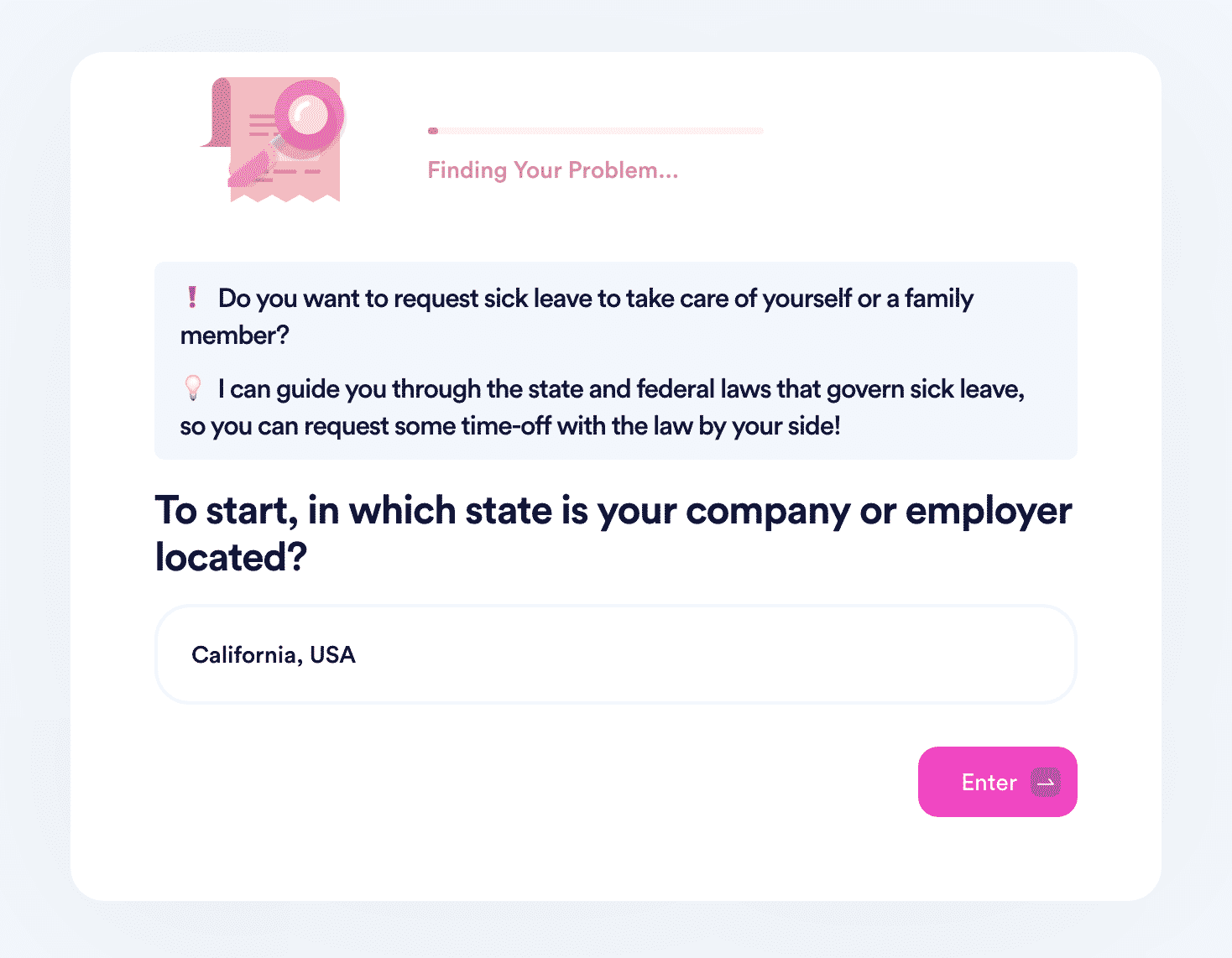
DoNotPay offers a quick and effective way of notifying your employer that you’re taking sick leave. Our app will generate a leave request letter for you in a snap, and all you have to do is:
- Select our Request Sick Leave tool
- Give us the necessary details (e.g., how many days off you need to take, the name of the company you work for, and similar)
- Upload a photo of a doctor’s note or similar document
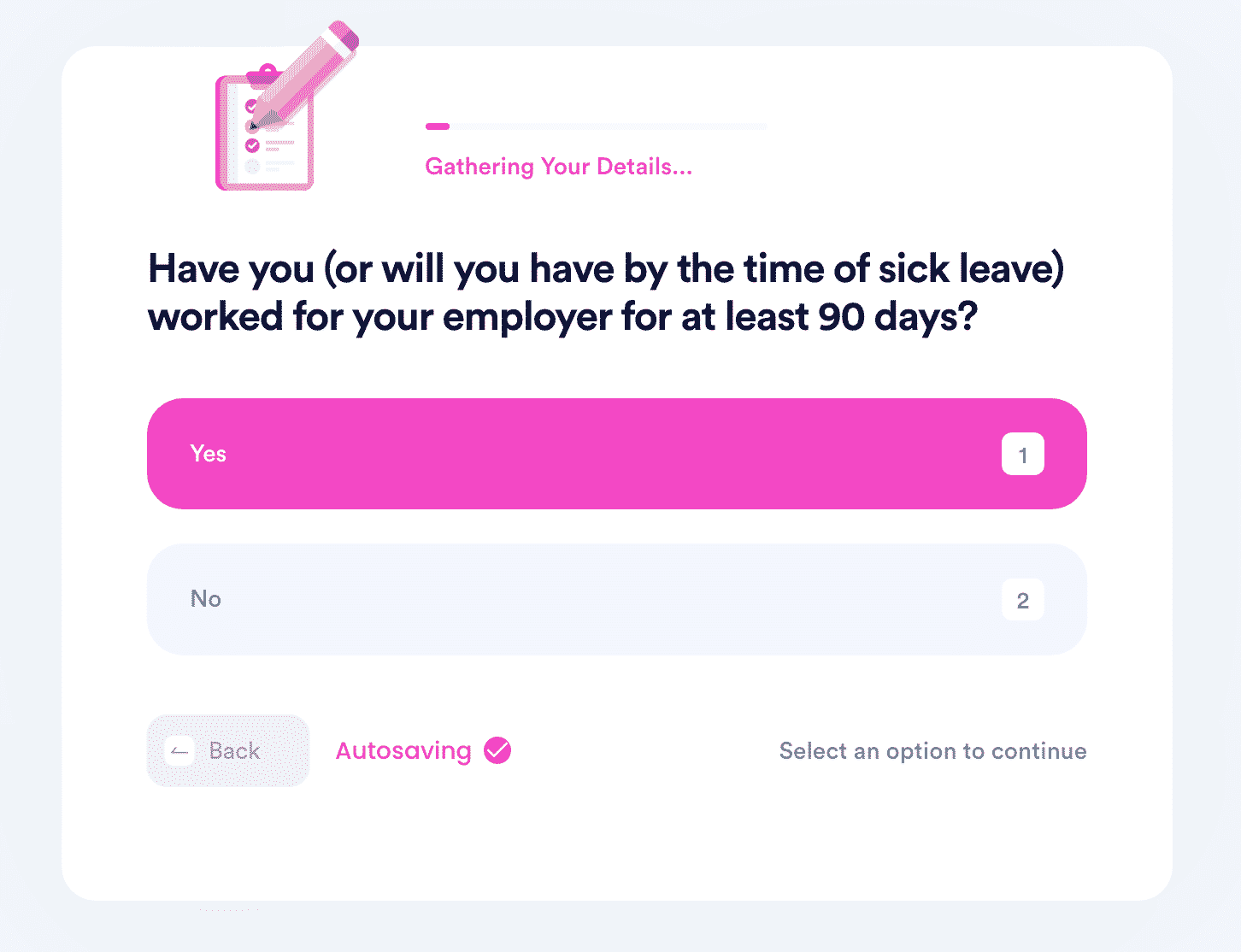
DoNotPay’s help doesn’t end here! We can also assist you in suing your boss if they threaten to fire or penalize you for taking sick leave even when you have the right to do it.
DoNotPay Is Your Ultimate Money-Saver
Don’t spend your hard-earned money on subscriptions you don’t use—cancel them with our app in a few simple steps! The best part is—that’s not all we can do to help you save some coins. DoNotPay can also reduce other expenses by helping you:
- Lower your utility bills
- Reduce property taxes
- Appeal unfair parking citations
- Have your college fees waived in no time
- Create docs without hefty attorney fees
- Take passport photos in the comfort of your home instead of going to photo booths
- Apply for financial aid and reduce your college tuition
- File college or high school scholarship applications
Kiss Spammers and Harassers Goodbye for Good With DoNotPay
Our app offers handy features that can assist you with blocking irritating robocalls and getting rid of pesky spam texts and emails. It also gives you peace of mind by helping you fight workplace discrimination, stalking and harassment, annoying neighbors, and defamation.
With DoNotPay, you will always be able to maximally protect your safety by searching updated sex offender databases and avoiding unpleasant situations. Suppose you have already been a victim of harassment or any other crime. In that case, we can help you get compensation with no difficulties!
 AI that fights for you