

Don’t Bother Going to a Post Office—Mail Letters Online
If you’ve ever had to go to a post office to mail a letter or a package, you know how exhausting and time-consuming the entire process can be. Besides losing time purchasing an envelope and stamps, you also have to spend hours waiting in a queue, which is inconvenient (especially now during the pandemic).
The good news is—heading over to the nearest USPS mailbox or post office isn’t the only way to send physical mail. DoNotPay has created an easy-to-use product that can help you mail letters online in a few clicks.
Snail Mail—Do People Still Go to U.S. Mail Post Offices?
Even though it might sound unusual, many Americans still send physical mail. While emails or text messages are much faster and easier options, people prefer relying on snail mail when they need to:
- Send important or business documents, such as:
- Court papers
- Job cover letters
- Recommendation letters
- Resignations
- Government forms
- Loan documents
- Apply for universities, scholarships, fee waivers, and similar
- Cancel certain services or memberships
- Send passports, driver’s licenses, and other personal documents
- Mail letters to their loved ones
People turn to letter writing to express their feelings towards their friends or family who live far away. Writing letters can be therapeutic. It is also much more meaningful than sending emails, which is why snail mail is still popular for informal correspondence.
What Can You Expect When Going to a Post Office To Mail Your Letters?
While sending and receiving physical letters is meaningful, having to go to the post office is seldom convenient, and it usually takes a lot of time. Before you send your letter successfully, you usually need to spend a few hours writing it and dealing with other complications, such as:
- Learning how to address it correctly
- Trying to calculate how much you need to pay to mail the letter
- Walking or driving to the post office and potentially waiting in a long line
- Worrying whether or not you have enough stamps
All of this can be not only time-consuming but also stressful. That’s why you should and allow us to handle all of the above-mentioned issues on your behalf!
DoNotPay Can Help You Mail Letters Online!
Do you love sending letters but dislike going to the post office? DoNotPay has a solution for you! Our Send Mail feature enables you to send your letters online, which can be convenient if you don’t feel like leaving your home. DoNotPay can take care of everything so that you don’t have to worry about envelopes, stamps, and other annoying details.
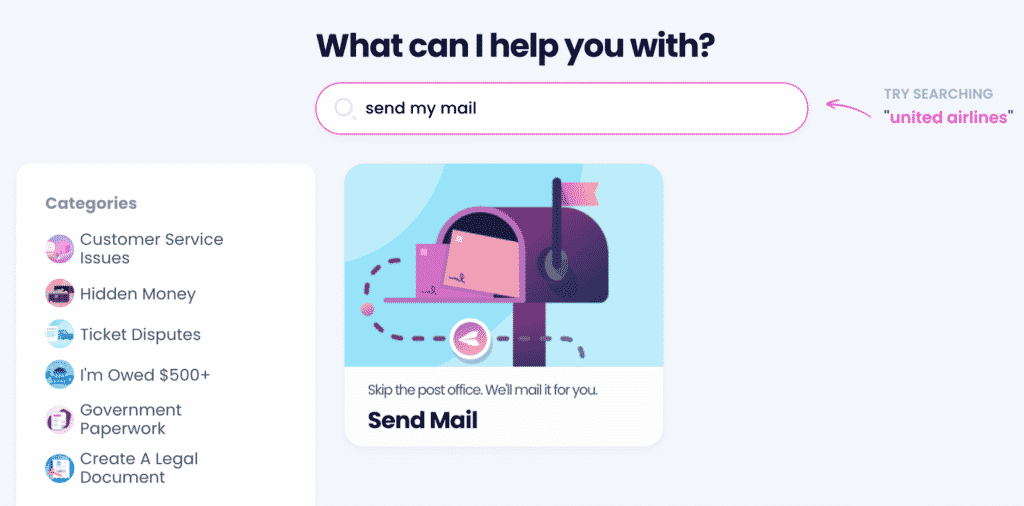
To send your physical letters the easy way, and do the following:
- Open the Send Mail product
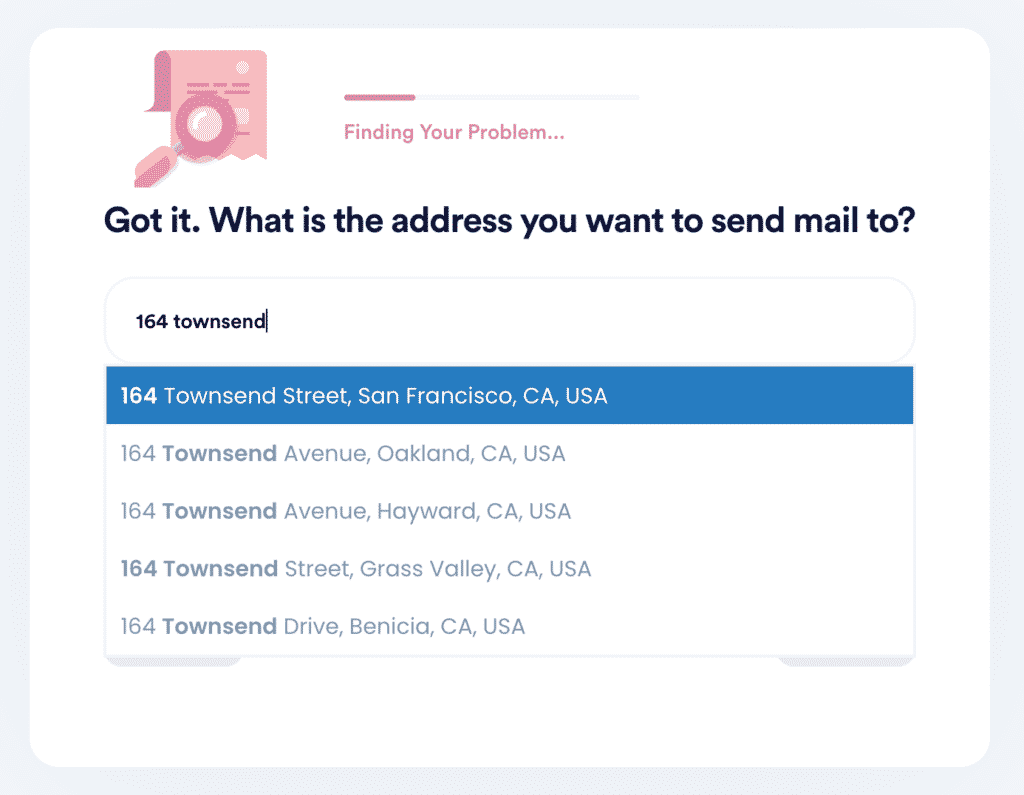
- Type in the recipient’s name and address
- Upload your letter in one of these formats:
- PFD
- HTML
- JPG
- PNG
The letter you mail with DoNotPay’s help will be delivered within seven business days.
Learn About the Appropriate Ways To Start and End Letters
If you want to send a letter to a friend or family member, you can start and finish it however you want. Informal letters don’t have any specific rules you need to pay attention to. While you have the freedom to write whatever comes to your mind, these are some common greeting and closing words and phrases that most people use:
| Informal Letter Greeting Examples | Informal Letter Closing Examples |
|
|
As opposed to informal letters, writing formal letters requires you to follow many strict rules. You need to pay special attention to the beginning and the closing of the letter. One minor mistake, and you risk leaving a not-so-good first impression on the reader.
If you’re not sure how to start or end your letter, you can consult the table below to get an idea:
| Formal Letter Greeting Examples | Greetings To Avoid | Formal Letter Closing Examples | Closings To Avoid |
|
|
|
|
Make sure to follow the greeting and the closing with a comma.
What Sections Should Your Formal Letter Include?
When composing a formal letter, you also need to follow the rules regarding the letter’s structure. These are the sections you should include in your letter:
- Your info, such as:
- Name
- Address
- City and ZIP Code
- Phone number
- Email address
- Date of writing
- The recipient’s info:
- Name
- Title
- Company
- Address
- City and ZIP code
- Formal greeting
- Introduction where you should indicate why you’re writing the letter
- Body of letter with all the specifics
- Conclusion where you should:
- Thank the recipient for reading the letter
- Aks for his or her answer
- Formal closing
- Your handwritten signature
- Your typed signature
Need To Draft a Doc? DoNotPay Can Help You!
You can definitely use our Send Mail feature to deliver any doc to its recipient, but that is only the last step.
Figuring out how to write even a simple contract can be a nightmare, and hiring a lawyer will likely burn a hole in your wallet. Still, you do need a professionally written document.
DoNotPay helps you:
- Generate any doc you want
- Get your documents notarized online
- Send a physical copy of the document to any destination
- Fax your documents using only your phone
DoNotPay Keeps Your Data Safe
Our award-winning app is here to keep your info safe.
Scammers everywhere are trying to get your personal info, but with DoNotPay’s anti-spam tools, you can protect yourself from email, mail, and online spam, text spammers, and even get compensation for robocall scams.
That’s not all! You can use DoNotPay’s virtual credit card to sign up for free trials without disclosing your credit card info. If a website asks for your phone number to verify your profile, our Burner Phone tool will protect your privacy!
DoNotPay’s Cash-Saving Tools
Don’t let greedy corporations get their fingers into your wallet! Let us introduce you to a super-simple way to manage your finances.
Your virtual assistant helps you:
- Discover any unclaimed property and much more!
- Cancel any service without using snail mail
- Get refunds from various businesses
- Get your college application fees waived
- Reduce your property taxes
 AI that fights for you