

How to Cancel Your Uber Eats Pass Easily
Once a company has you subscribed to their service, they don't want to let you go—which is why it can sometimes be challenging to figure out and other accounts and memberships. Cancellation instructions may be hard to find on the company's website, or they may come with a handful of restrictions that make it hard to cancel immediately.
Uber Eats makes it easy to get food delivered to your door, but maybe you've realized you don't use it often enough to make the membership worth the cost, or maybe you've decided you prefer another service. Perhaps you're no longer interested in it since it became Uber One, combining both Uber and Uber Eats into one membership. No matter why you want to cancel Uber Eats Pass, DoNotPay makes it easier for you. In fact, we can help you cancel any service you no longer need.
How to Cancel Uber Eats Pass on Your Own
You can anytime, and you'll be able to use it for the rest of your billing cycle. If you cancel within 24 hours of your next payment, you will be charged for that next cycle. This is how to cancel Uber Eats Pass:
- Go to the Uber Eats app.
- Choose the Profile icon on the bottom to access your account information.
- Choose "Eats Pass" to open it.
- Within the Eats Pass hub, choose "Manage Membership".
- Choose "End Membership" and follow the instructions.
This is generally a pretty straightforward process. The only potential problems may be realizing you waited too long to cancel, and you're going to be charged for another billing cycle. Any other issues are typically rare, but you might prefer to simplify the entire process by using DoNotPay to help you cancel your subscription.
Use DoNotPay's Virtual Credit Cards to Enjoy a Free Trial of Uber One Without Getting Charged
Uber One puts Uber and Uber Eats together in one service with a variety of perks, and they offer a free trial for new subscribers. Simply visit the Uber One website, scroll down, and click "Try now for free."
You will be required to enter your credit card information, and when your trial is over, you'll be charged for the next service cycle. This is great if you decide you love your subscription and want to continue. However, if you don't love it, you need to remember to cancel before you get charged.
Instead of trying to keep track of your cancel-by date, DoNotPay makes it easy to enjoy your free trial without hassle or worry about being charged. This is how our virtual credit cards work:
- Use DoNotPay to generate a random card number for you when you sign up for a free trial.
- There is no account or money associated with this number, so it can't be charged.
- When the trial is over, the payment will fail, and your account will automatically cancel.
That way, you can enjoy your Uber Eats Pass free trial without having to worry about canceling at all. If you decide you love it, go in and enter your own credit card to continue your service.
Is Uber Being Difficult? DoNotPay Can Help You Send Demand Letters To
If you're having trouble canceling your account or obtaining a refund, and Uber is not trying to help you, you may be able to send demand letters to them in small claims court. DoNotPay can help you get the attention and assistance you deserve by making it easy to send demand letters to any company that has wronged you. This service has been recognized by the American Bar Association's Louis M. Brown award for Access.
Learn more about how to send demand letters to Uber in small claims court and how DoNotPay makes the process simple and accessible.
Use DoNotPay to Cancel Your Eats Pass
Whether you're trying to or any other service, DoNotPay can help you save time and reduce hassle by taking care of it for you. Don't worry about trying to find instructions online, jump through hoops, and rush to beat the deadline. Instead, let us know what service you want to cancel, and answer a few questions about your account. We'll take care of the rest.
This is how it works:
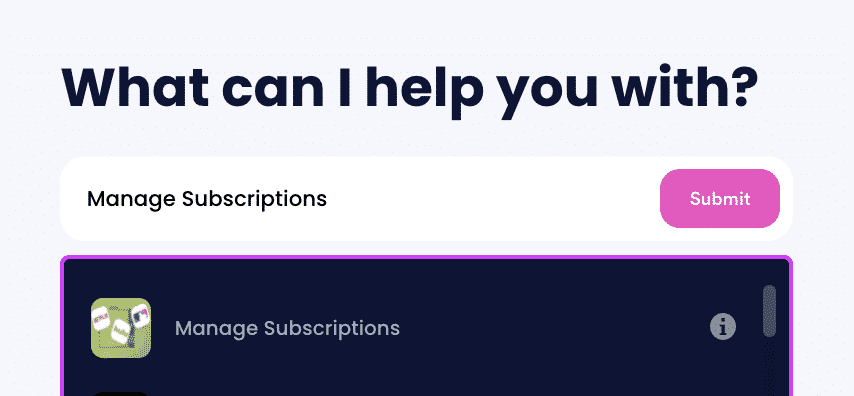
- Log-in to DoNotPay and search for the Manage Subscriptions product.
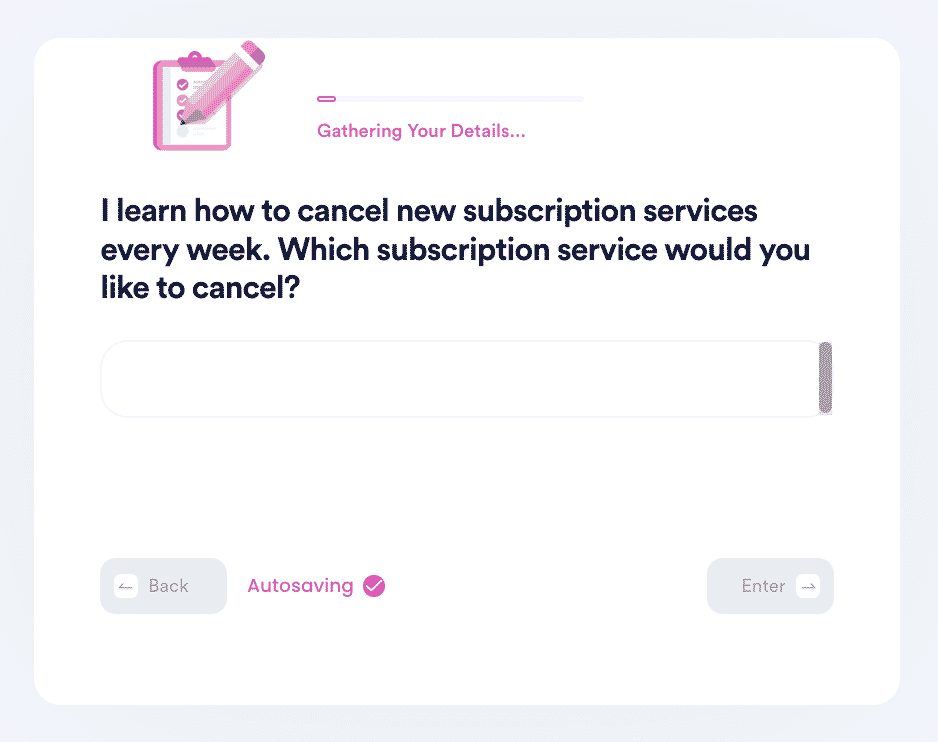
- Provide the name of the subscription service you want to cancel.
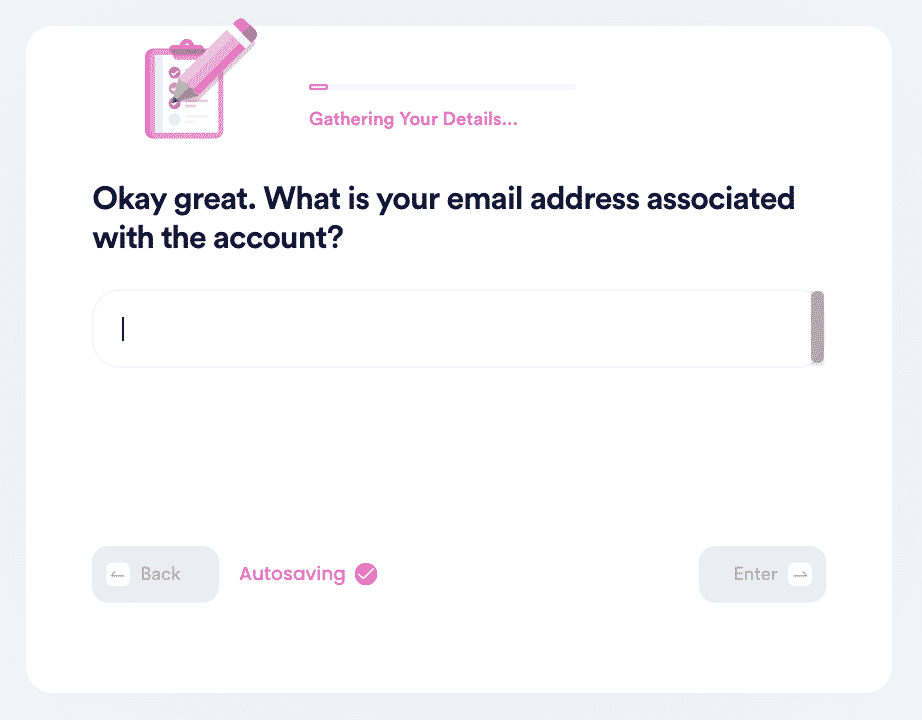
- Provide your account details such as email address and username.
After you click "submit," we'll work on canceling your service for you, or even help you get a refund. After the service is canceled, we'll notify you. It's an easy way to get rid of any unwanted subscription services, but that's not the only thing DoNotPay can do for you.
DoNotPay can also help you cancel:
| Planet Fitness | SiriusXM | Xbox Live |
| Epoch Payments | CVS CarePass | Massage Envy |
What Else Can DoNotPay Do?
We're here to help you cancel any service, from Urbansitter to ButcherBox and Freshly, and we can guide you through other financial challenges and take action on your behalf. Take a closer look at how DoNotPay can simplify your life:
- Contact customer service
- Negotiate a hotel bill
- Get a burner phone
- Apply for a credit card or increase your credit limit
- Send Demand Letters To anyone in small claims court
- Get help paying your bills
- Get a free trial without getting charged
- Break a lease
- Claim rebates
Get started with DoNotPay today to help you manage these hassles and responsibilities.
 AI that fights for you