

Get Your MoviePass Canceled In a Breeze
MoviePass is an economical way to watch the latest movies in over 4,000 participating theaters in the US, including Regal Cinema and others. Starting at $10 per month, moviegoers can see up to three screenings per month and save money for popcorn or things they need outside the theater.
But whether or not you’re going to the movies, MoviePass will still charge your card, and that monthly subscription can be a huge money drain over time.
If you’re looking to get your MoviePass canceled, let DoNotPay show you how!
What Does MoviePass Charge For Movies?
MoviePass works on a credit-based system, in which you pay for credits to spend at the theater of your choosing. The amount of credits you’ll spend depends on when you’re going to the theater. For instance, a monday afternoon movie will cost about just 12 credits, whereas a weekend evening movie can be around the ballpark of 30 or more.
It’s also worth noting that unused credits will carry over to the next month, in which you have two months to use them before they expire.
MoviePass is available in four different tiers:
| Tier | Cost | Credits per month | Movies per month |
| Basic | $10 per month | 34 | 1-3 |
| Standard | $20 per month | 72 | 3-7 |
| Premium | $30 per month | 113 | 5-11 |
| Pro | $40 per month | 640 | 1 movie per day |
If you’re not satisfied with your current tier, you can consider switching to another so you can either earn more credits or save more money.
How To Get MoviePass Canceled The Old-Fashioned Way
MoviePass touts that you can cancel your subscription at any time, but on the FAQ section of their landing page, they provide no tutorial for how to cancel.
We figured out how to cancel your MoviePass subscription, but it requires the official MoviePass app that’s available on Android and iOS devices. This is very odd since you likely didn’t need the app to register for your MoviePass card to begin with.
Regardless, here’s what you need to do to cancel your MoviePass subscription:
- Log into the MoviePass App on your phone.
- Tap on the avatar icon on the bottom right corner of the screen.
- Tap on “Subscription”.
- Tap on “Cancel Subscription”.
- Tap on “Confirm”.
After you cancel your subscription, you’ll still be able to use any credits still in your account until your plan expires.
Canceling Your MoviePass Subscription With DoNotPay
offers an alternative way to cancel your MoviePass subscription without having to download an app. While DoNotPay is available on handheld devices, you can also cancel multiple subscriptions at once right from your computer with your current web browser.
See how simple it is to cancel these popular services:
DoNotPay has a flat monthly rate on its own, but it can go a long way to saving you hundreds of dollars every year!
How To Cancel A MoviePass Subscription Using DoNotPay
Skip downloading the MoviePass app and cancel your subscription right from your computer! We’ll show you how:
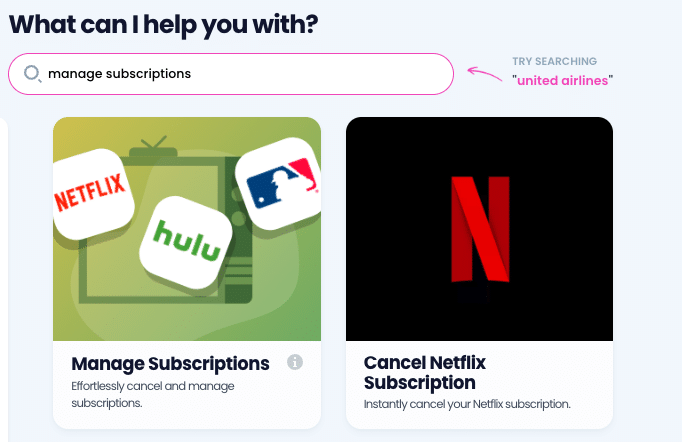
- Log in to DoNotPay and search for the Manage Subscriptions product.
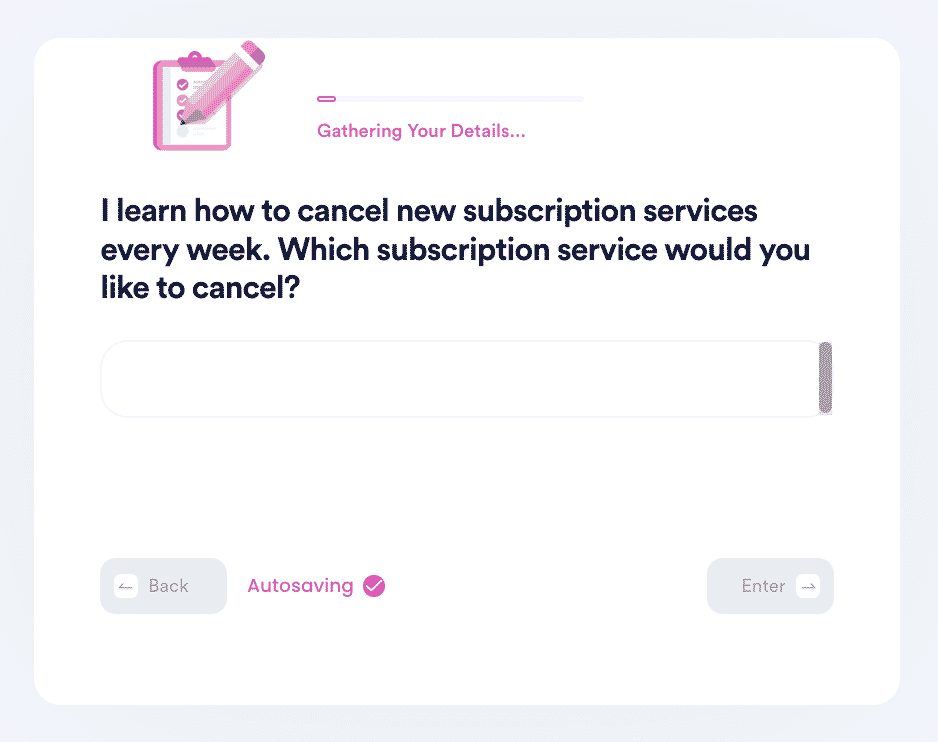
- Provide the name of the subscription service you want to cancel.
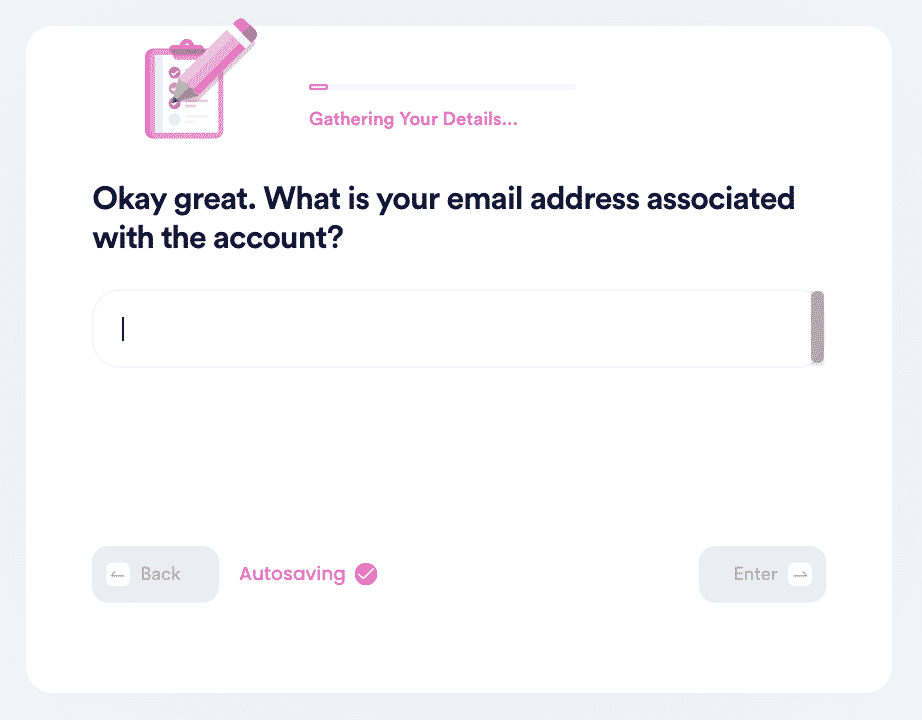
- Provide your account details such as email address and username.
That’s all there is to it! If you need to end more than one subscription, simply repeat the process regarding your other plans.
Can DoNotPay Give Me Refunds For MoviePass?
MoviePass doesn’t offer any refunds for unspent credits or inactivity. That isn’t to say that the company will never give refunds to customers. MoviePass has been known to refund customers for accidental charges, but that’s the only known instance of refunds the company is willing to do. You can try to contact the support team at support@moviepass.com for more details.
DoNotPay does offer a “File a Chargeback” product in which you can have our tailored AI draft a formal refund letter on your behalf. While it doesn’t guarantee that MoviePass will fulfill your request, you’ll be happy to know this product has worked on countless other companies.
What Other Products Does DoNotPay Offer?
has over 200 different tools and resources available to all our customers 24/7! No credits, no limits, just pay one fixed monthly fee and enjoy unlimited access to each and every product.
Whether you’re an avid shopper or a determined business owner, DoNotPay comes in handy for all kinds of people! Consider DoNotPay to get assistance with:
- Getting help for bills you’re unable to pay
- Removing negative reviews of your business
- Signing up for clinical trials
- Drafting a letter of intent to homeschool
- Filing a warranty claims
- Reporting an unruly coworker anonymously
- Disputing traffic tickets
- Qualifying for free hotel rooms
- Practicing for driving tests
 AI that fights for you