

How to Cancel Your Famous Footwear Order
These days, consumers of all ages like to shop online for everything from clothing to children's toys and electronics. Many people shop online for shoes, utilizing retailers' websites such as the Famous Footwear website. While this can be super-convenient, saving you a lot of time, when it comes to canceling online orders, you could run into some snags.
If you want to learn how to handle a Famous Footwear cancel order, read on. DoNotPay can help you with your concern, saving you time and money.
Can You Cancel a Famous Footwear Order
Famous Footwear is a popular online retailer with a wide variety of footwear, from Skechers and Adidas to Vans. Many consumers love Famous Footwear for its affordable prices and the convenience of being able to shop for top brands from the comfort of home. If you order something from Famous Footwear and want to , you need to know the company policy.
According to the Famous Footwear website, the company is unable to cancel or modify any online order once it is placed. The website states that this is because orders are processed very quickly. You do have the option to return an order once you receive it if the item is something that you no longer want.
Potential Problems When Canceling a Famous Footwear Order
If you want to pursue getting a return for an item you bought on Famous Footwear's website, here are your options:
- Return by Mail
One way that you can process a Famous Footwear return is to send the shoes you bought back to the corporate office by mail. To do this, you can print a prepaid return shipping label from the Famous Footwear website.
Please note that there is a $7.95 shipping fee to process a return by mail. Famous Footwear will deduct a return processing fee of $7.95 after they receive your returned item.
Re-package your shoes, attach the return shipping label and drop the package off at the post office or your local UPS center. Famous Footwear should receive your package within 7-10 business days.
- Make a Return In-Store
It is free to make a return in any Famous Footwear store. All you need to do is bring the shoes that you purchased online to the Famous Footwear location closest to you. If you have the order confirmation email from when you first purchased the shoes, make sure to bring that with you, along with the original method of payment. According to the Famous Footwear website, you don't have to have the box to process a return.
What to Do When You Want to Cancel Your Famous Footwear Order
Sometimes, situations call for an order cancellation rather than a return. Since Famous Footwear's policy notes that they can't cancel orders after they are placed, you have a few options:
- Contact customer service by phone at 1-888-869-1053 or email them through the online form. To increase your chances of getting your order canceled, try calling as soon as possible after you place the order.
- You can also visit your local Famous Footwear store and explain the situation to them, making sure to note that you are aware of the policy but still want to inquire about having your order canceled. The manager might be able to help you out, although there's no guarantee of this.
If you are frustrated by the Famous Footwear policy and want to get your order canceled, DoNotPay can help you. It can be awkward to go about this process on your own, especially if you get uncomfortable in confrontational situations. Turn to DoNotPay for help getting your online orders and payments canceled.
Use DoNotPay to Cancel Your Famous Footwear Order
DoNotPay is the fast, easy, successful way to get your Famous Footwear order canceled. We can reach out to the company on your behalf, composing a cancellation letter and upping the chances that you will successfully get your order canceled.
- Search for the Cancel Anything product on DoNotPay.
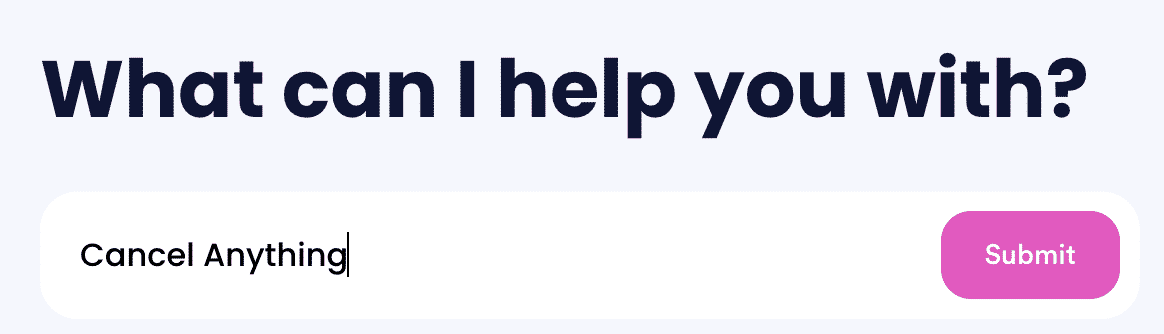
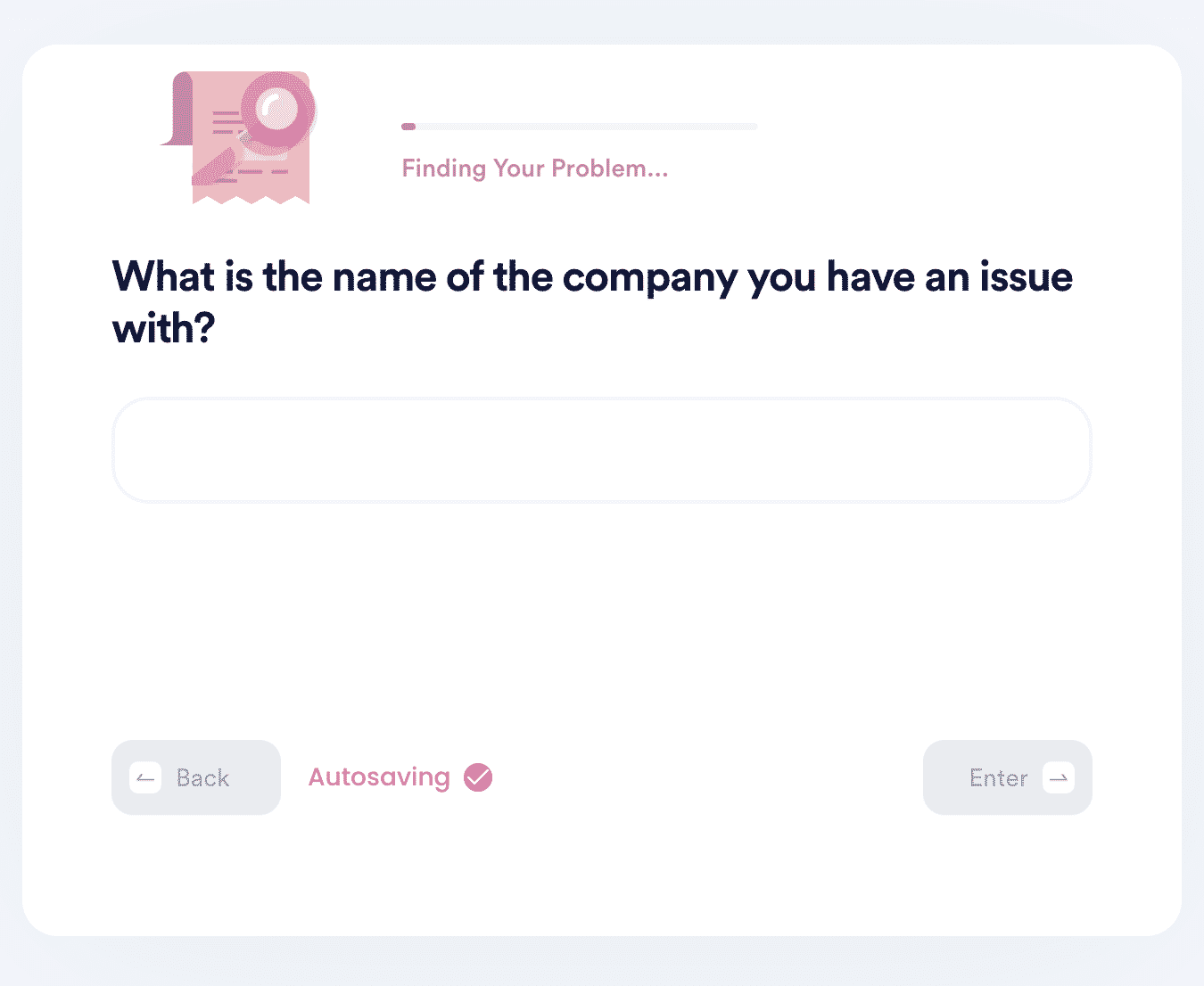
- Enter the name of the company you need to cancel your order/payment with.
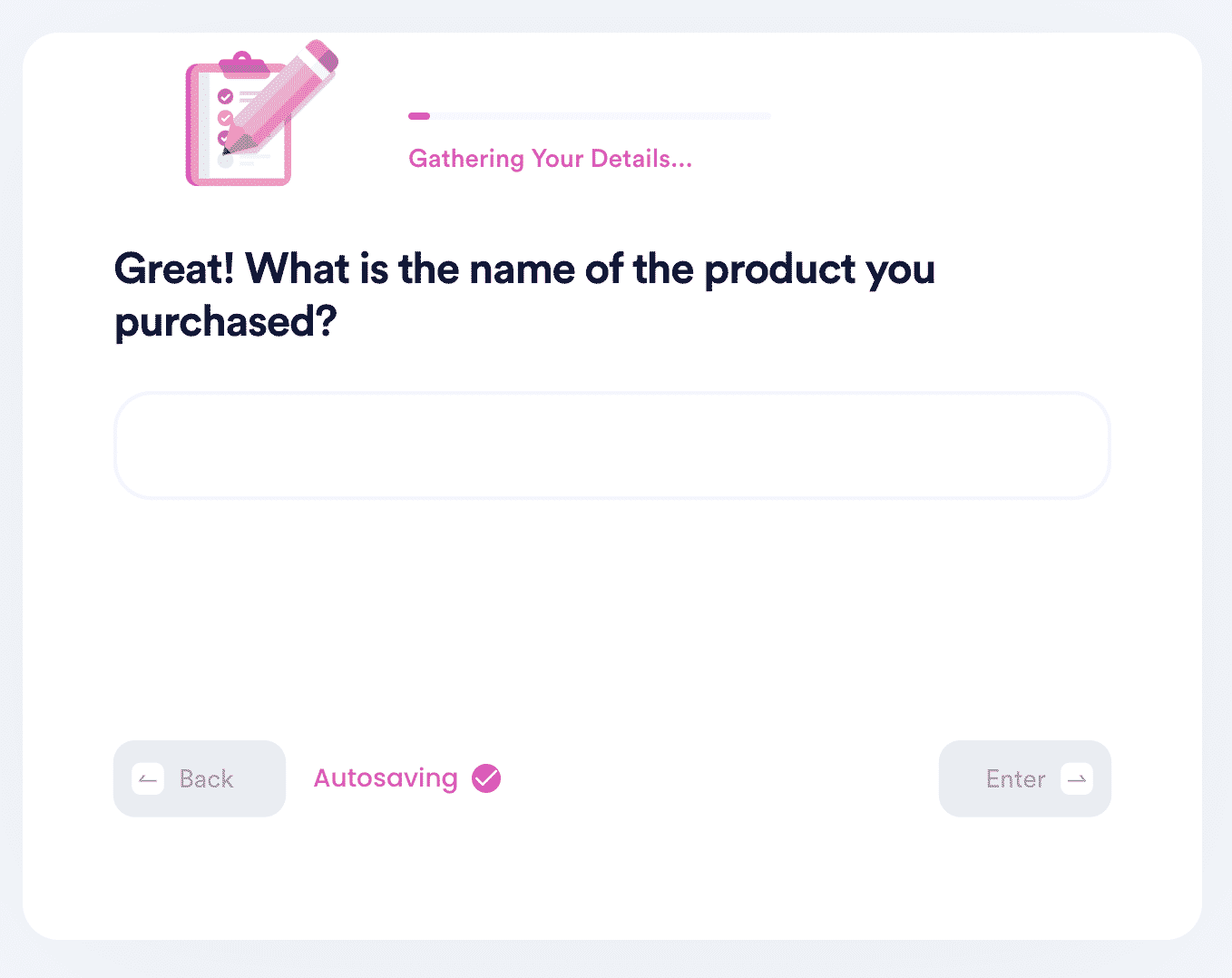
- Answer a few questions about whatever you need to cancel so that we can compose a cancellation letter.
Once you submit all the applicable details, we'll work on composing a cancellation letter for you.
What Else Can DoNotPay Help With?
DoNotPay can help you with any order cancellation or payment issue.
| PayPal | Venmo |
| Zelle | Cash App |
| eBay | Etsy |
| DoorDash | Walmart |
| United Airlines | Southwest Airlines |
What Else Can DoNotPay Accomplish?
DoNotPay will also help you:
- Get free trials
- Get refunds and chargebacks
- How to utilize your credit card
- Receive customer assistance
- Make small court claims
 AI that fights for you