 By
ByHelloFresh is one of the most popular meal kit delivery services, shipping pre-portioned ingredients and recipes to millions of households each week. But whether your budget has shifted, your dietary needs have changed, or you simply want to try a different approach to meal planning, canceling your HelloFresh subscription should be quick and painless.
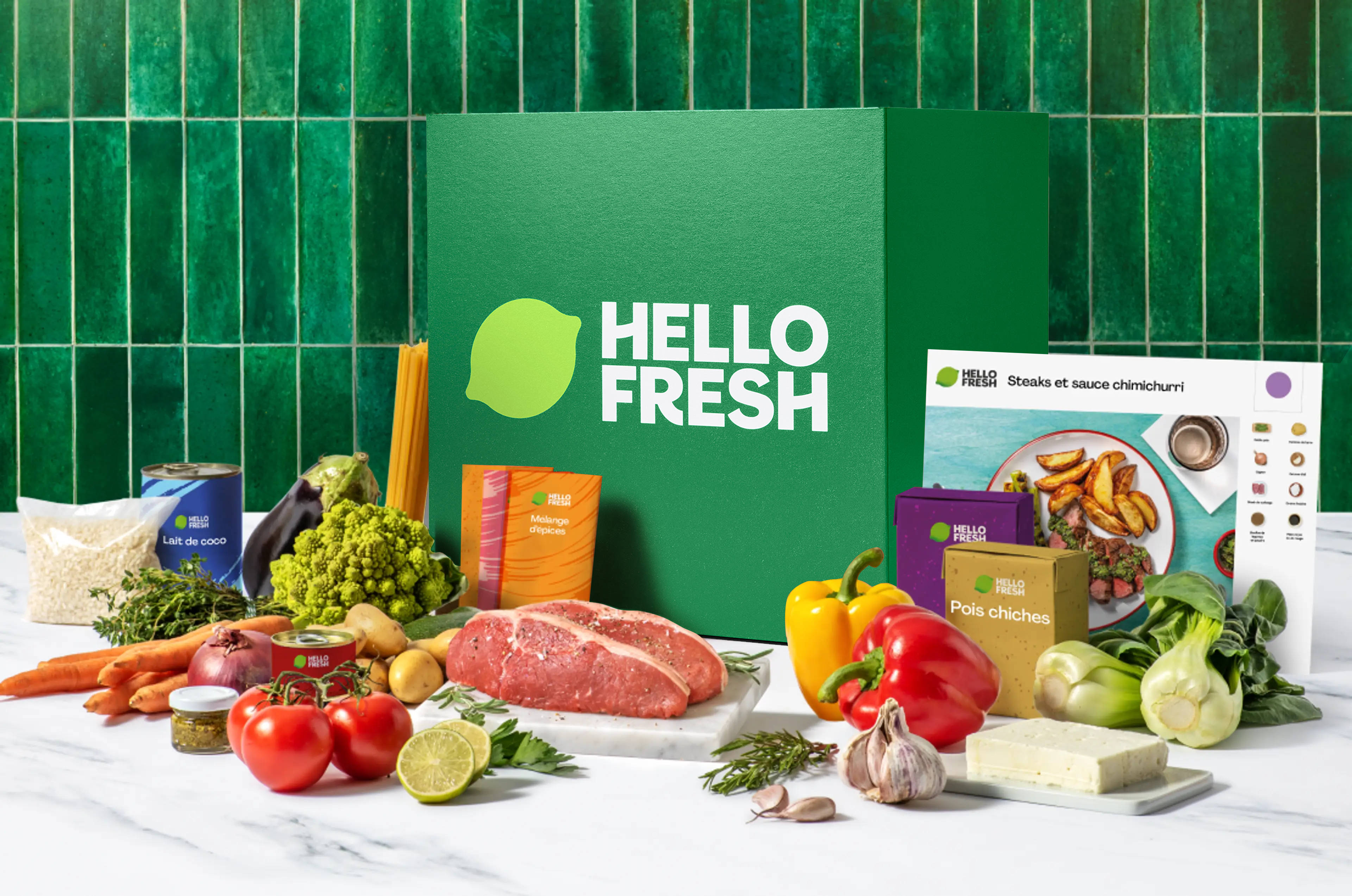
This guide walks you through every method for canceling HelloFresh, what to watch out for, and how DoNotPay can handle the entire process for you, hassle-free.
HelloFresh Cancellation at a Glance
| Detail | Information |
| Can You Cancel Online? | Yes, via the HelloFresh website |
| Can You Cancel via App? | Not directly; the app redirects to the website or chat |
| Cancellation Phone Number | Not publicly listed for cancellation |
| Cancellation Deadline | 11:59 PM PT, 5 days before next delivery |
| Refund Policy | No refund for processed orders |
| Average Time to Cancel | About 10 minutes (or 2 minutes with DoNotPay) |
How to Cancel HelloFresh on the Website
The most reliable way to cancel your HelloFresh subscription is through the website. The mobile app often redirects you to the browser version anyway, so starting here saves time.
- Step 1: Go to hellofresh.com and log in to your account.
- Step 2: Click on your name in the upper-right corner of the page.
- Step 3: Select "Account Settings" from the dropdown menu.
- Step 4: Navigate to "Plan Settings."
- Step 5: Scroll to the bottom and find the "Status" section. Click "Cancel Plan."
- Step 6: Follow the on-screen prompts to confirm your cancellation.
You should receive a confirmation message and email verifying that your account has been canceled. Keep this confirmation for your records.
Pro Tip: You must cancel at least 5 days before your next scheduled delivery (by 11:59 PM PT), or you will be charged for that upcoming order. Set a calendar reminder to avoid surprise charges.
Can You Pause a HelloFresh Subscription?
If you are going on vacation or need a temporary break, HelloFresh lets you skip individual weeks without fully canceling. Log in, go to your upcoming deliveries, and click "Skip Week" for any delivery you want to bypass. Your subscription stays active, but you are not charged for skipped weeks.
You can also adjust the number of meals per week or switch to a different plan (such as the Fit & Wholesome plan or the Quick and Easy plan) if variety or health goals are your concern.
What Happens After You Cancel HelloFresh
Once you cancel, your subscription stops at the end of your current billing cycle. You will not be charged again unless you reactivate. Your account remains on file, so if you decide to return, you can log back in and resubscribe at any time without creating a new account.
Keep in mind that any recipes you saved in your account may no longer be accessible after cancellation. Consider saving your favorites before you proceed.
Cancel HelloFresh Fast with DoNotPay
Tired of navigating confusing cancellation pages and worrying about deadlines? DoNotPay takes care of everything for you. Our platform contacts HelloFresh on your behalf and finalizes the cancellation, so you never have to deal with retention offers or hidden buttons.
- Step 1: Open DoNotPay in your web browser.
- Step 2: Search for "HelloFresh" in the cancellation tool.
- Step 3: Enter your account details and confirm the cancellation request.
DoNotPay will process your cancellation and send you a confirmation email once it is complete.
Frequently Asked Questions
Will I get a refund if I cancel HelloFresh?
HelloFresh does not offer refunds for orders that have already been processed. You must cancel before the cutoff deadline to avoid charges for the next delivery.
Can I cancel HelloFresh through the mobile app?
The mobile app does not offer a direct cancellation option. It typically redirects you to the website or connects you with a chat support agent. Using the website is the fastest DIY method.
Can I reactivate my HelloFresh account after canceling?
Yes. Simply log back into your account and follow the prompts to reactivate and choose your meal preferences.
What's the easiest way to cancel HelloFresh?
The easiest way to cancel the service is to use an AI app like DoNotPay.
 AI that fights for you