 By
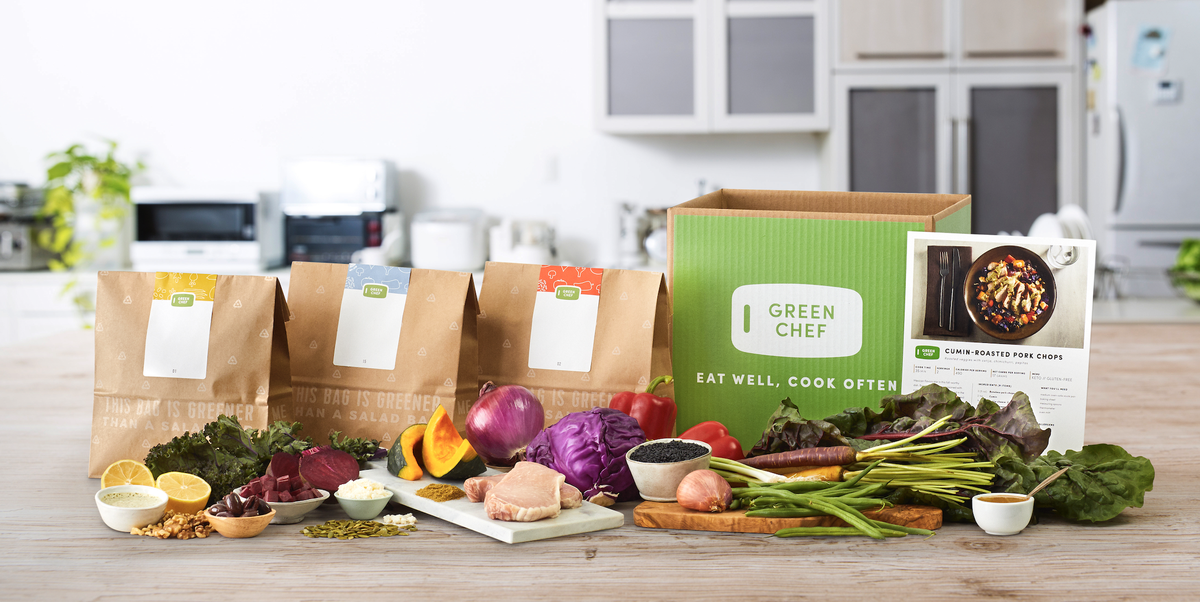
ByGreen Chef is a USDA-certified organic meal kit service that caters to specific dietary lifestyles including keto, paleo, plant-based, and gluten-free. Owned by the same parent company as HelloFresh, Green Chef uses a similar account management system. If you have decided it is time to cancel, here is exactly how to do it.
Green Chef Cancellation at a Glance
| Detail | Information |
| Can You Cancel Online? | Yes, through the Green Chef website |
| Can You Cancel via App? | No; must use the website |
| Customer Service Phone | 1-888-236-7295 |
| Cancellation Deadline | 5 days before your next delivery |
| Cancellation Fee | None |
| Refund Policy | No refunds for already-processed orders |
How to Cancel Green Chef on the Website
- Step 1: Visit greenchef.com and log in to your account.
- Step 2: Click on your name in the upper-right corner.
- Step 3: Select "Account Settings" from the dropdown.
- Step 4: Navigate to "Plan Settings" or "My Subscription."
- Step 5: Scroll to the bottom of the page and click "Cancel Plan" or "Deactivate Account."
- Step 6: Follow the prompts, which may include a brief survey and retention offers.
Look for a confirmation email from Green Chef. If you do not receive one within an hour, log back in and verify your subscription status shows as canceled.
Pro Tip: Green Chef and HelloFresh share an account system. If you have subscriptions with both services, canceling one does not automatically cancel the other. Handle each subscription separately.
Skipping Deliveries as an Alternative
If your reason for canceling is temporary—a busy travel schedule, for example—Green Chef lets you skip weeks without ending your subscription. Log in, navigate to your upcoming deliveries, and click "Skip" for any week you want to bypass.
Cancel Green Chef Effortlessly with DoNotPay
Green Chef’s cancellation process is straightforward but involves several clicks and potential retention offers designed to keep you subscribed. DoNotPay bypasses all of that.
- Step 1: Open DoNotPay in your web browser.
- Step 2: Search for "Green Chef" and select the cancellation option.
- Step 3: Enter your account details and confirm.
We will process your cancellation and send you a confirmation email. No retention calls, no back-and-forth.
Frequently Asked Questions
Does Green Chef offer refunds?
Green Chef does not provide refunds for orders that have already been processed. Cancel at least 5 days before your next delivery to avoid being charged.
Is Green Chef the same as HelloFresh?
Green Chef is a separate brand but is owned by the same parent company as HelloFresh. They share similar account systems but offer different menus and focus on different dietary needs.
 AI that fights for you